Particles System
This post focuses mainly on the implementation of a particle system and the optimization choices that came with it.
Before working
Definition
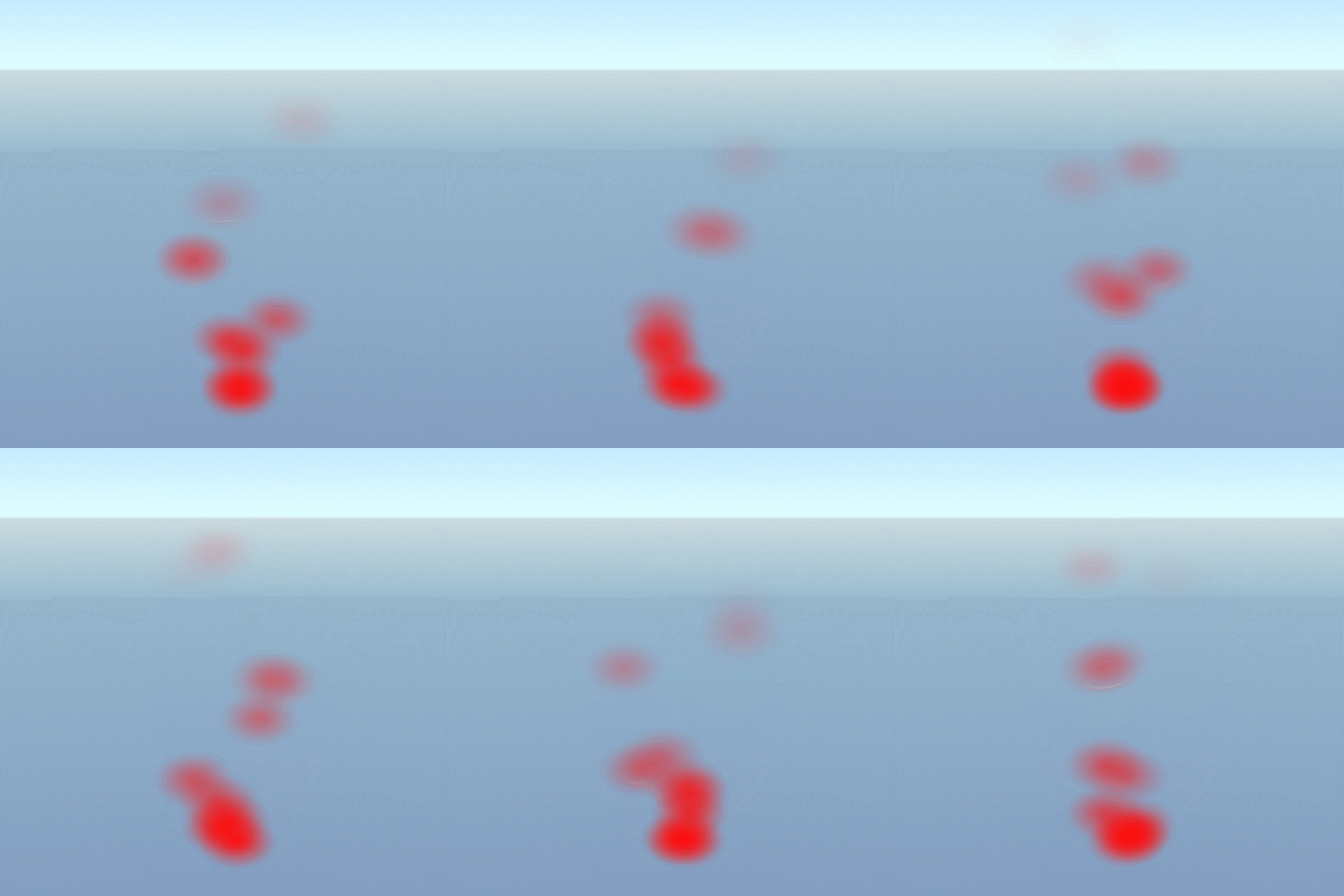
Particles are lightweight objects drawn on the screen with a texture. In video games they are often used to represent impacts, explosions, blood splashes, or other transient effects. A particle usually has a lifetime and a speed, while the particle system is responsible for spawning particles, keeping track of active instances, and defining how they are created and initialized in the world. More advanced systems also rely on particle emitters that define the shape and rules used to emit them.
Needs of the game
In Stars of Anarchy, particles had two major roles:
- Explosions for objects such as spaceships, asteroids, and projectiles
- Damage indicators on the player depending on remaining health
That meant the system did not need very complex behavior, but it did need to be able to draw a large number of particles at the same time.
Wanted behaviors:
- Display sprites
- Change sprite colors over time
- Kill particles after a given lifetime
- Spawn particles from several kinds of shapes
Inspirations
It is hard to build something you have never implemented before. A practical starting point was to inspect how other engines handled the problem. Looking at Unity’s particle system helped identify which parameters mattered and how they could map to our own engine.
That was especially useful because the game prototype already existed in Unity, so reusing similar terminology in the custom engine helped the rest of the team stay oriented.
Implementation
Basic implementation
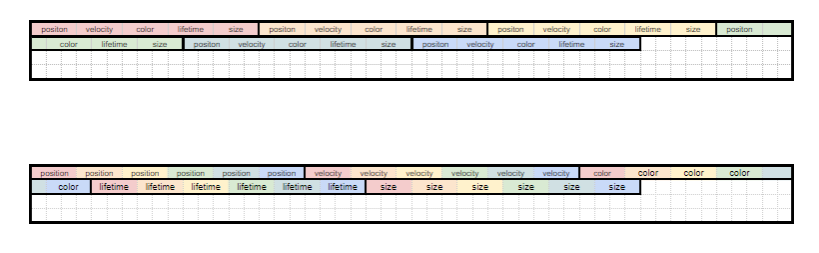
The most basic implementation is to represent each particle directly, then store the behavior for a particle system and the emitter that defines how particles appear.
struct Particle {
 uint32_t numberOfRows = 1;
 Color originalColor;
 Color colorOffset;

 ColorGradient colorOverLifetime;

 math::Vec3 position;
 math::Vec3 velocity;
 math::Vec3 change;

 math::Vec2 imageOffset1;
 math::Vec2 imageOffset2;

 float lifetime;
 float scale;
 float gravityEffect;

 float elapsedTime = 0.0f;
 float transparency = 1.0f;
 float imageBlendFactor = 0.0f;
 float distanceToCamera = 0.0f;
}
This approach is human-readable and easy to implement. For example, moving particles only needs a straightforward update loop.
for(auto& particle : particles){
// Code to check life time of a particle

 particle.velocity += 9.81; //Gravity
 particle.position += particle.velocity * deltaTime;

 //Code to change the color

 //Code to change the sprite drawn if there is multiple sprite
}
The problem is that code that is comfortable for humans is not always comfortable for the machine. Modern processors prefer aligned data and repeated operations over the same types of values because they can optimize those loops much more efficiently.
Aligning data
To align data and improve performance, it helps to stop thinking in terms of objects and start thinking in terms of arrays of data. Instead of handling one particle as one full object, every property is grouped with the same property for every other particle. All positions are stored together, all velocities together, and so on.
That allows loops to focus on one kind of operation at a time.
// Code to check life time of a particle

for(auto& velocity : velocities){
 velocity += 9.81; //Gravity
}

for(int i = 0; i < velocities.size; i++){
 positions[i] += velocities[i] * deltaTime;
}

 //Code to change the color

 //Code to change the sprite drawn if there is multiple sprite
Lifetime
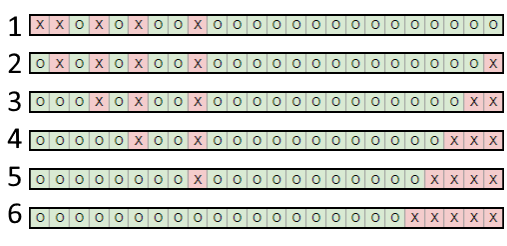
Another problem appears when a particle dies. Every particle tracks its own lifetime, but if dead particles stay mixed with live ones, every update loop has to test whether the current particle is still alive.
Adding a condition everywhere would work, but it would make optimization harder. Compilers optimize repeated patterns well, while branching logic tends to break those patterns.
A simpler strategy is to keep living particles at the front of the arrays and dead ones at the end by swapping them when needed. That keeps the update loops branch-light and avoids rechecking death in every pass.
Sorting
Particles often need to be sorted from farthest to closest relative to the camera so transparency renders correctly. That means computing distance and sorting large amounts of data.
To avoid sorting every array, one useful trick is to sort positions and keep a sorted index array, then access the rest of the data through that index. This reduces how much data has to move.

Another optimization is to avoid square roots when possible. Using Manhattan distance does not produce the exact geometric distance, but it is often consistent enough to preserve the ordering needed for sorting.
GPU instancing
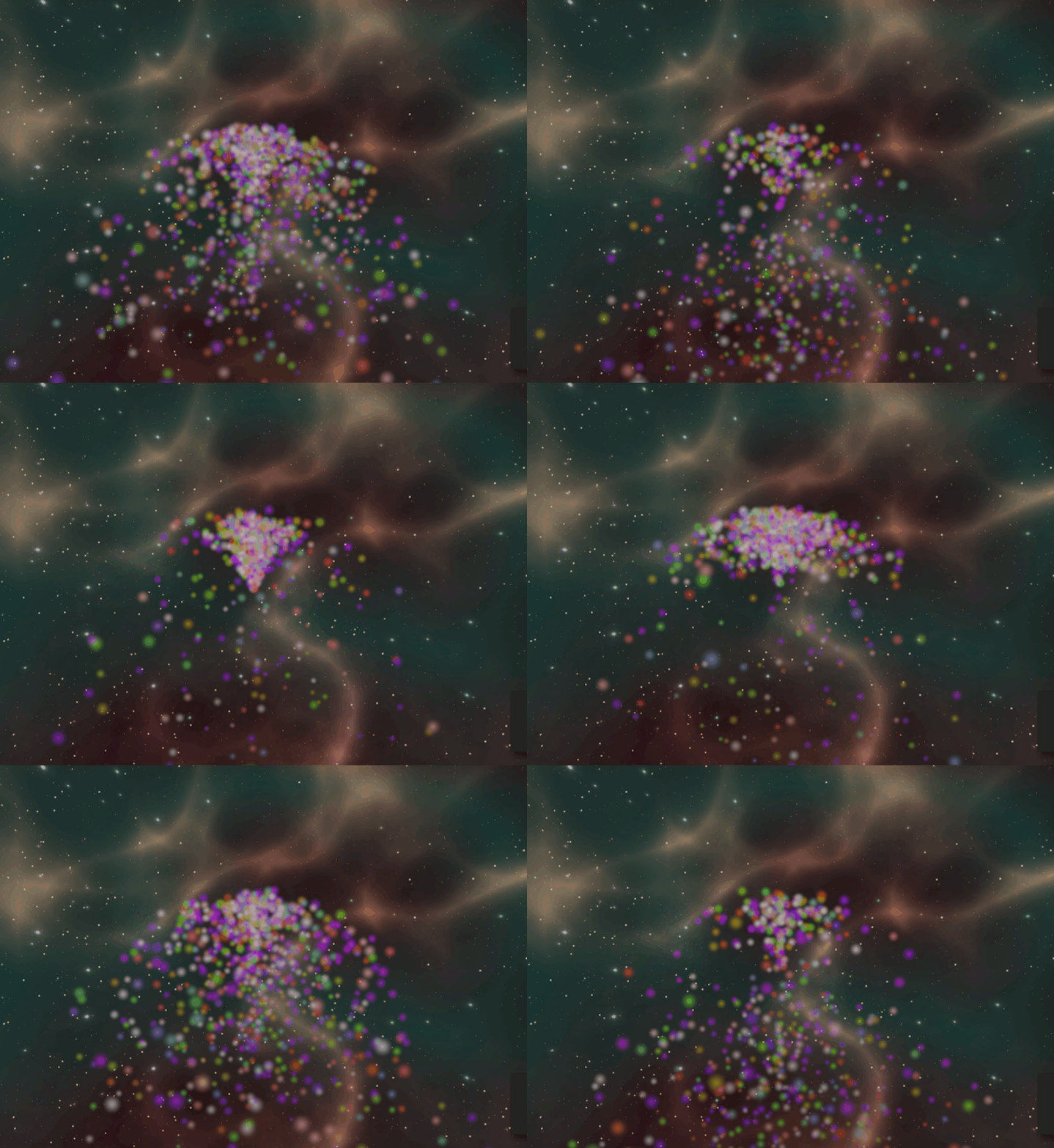
The last optimization target is the GPU. GPUs are good at drawing the same object many times. What is expensive is changing shaders or state for every individual particle.
One practical answer is GPU instancing. Since each particle only needs the same textured quad to be drawn many times, instancing lets the GPU render that repeated geometry much more efficiently.
After thoughts
How to know when to stop?
One trap for programmers is to keep optimizing forever. Particle systems are especially tempting because they are easy to profile and easy to tweak.
Optimization should stop when the game runs at the target frame rate and the system is no longer causing noticeable problems. The same applies to feature work: once the system supports the most important use cases reliably, it may be time to move on.